
Buying Guide · 4 min read
How to place your first order at POLO HILL.
Whether you're picking up your first crossbody or reordering a long-loved wallet, here's exactly what happens at every step — with real screenshots straight from the POLO HILL storefront.
On this page
01
Step one
Start with the collections.
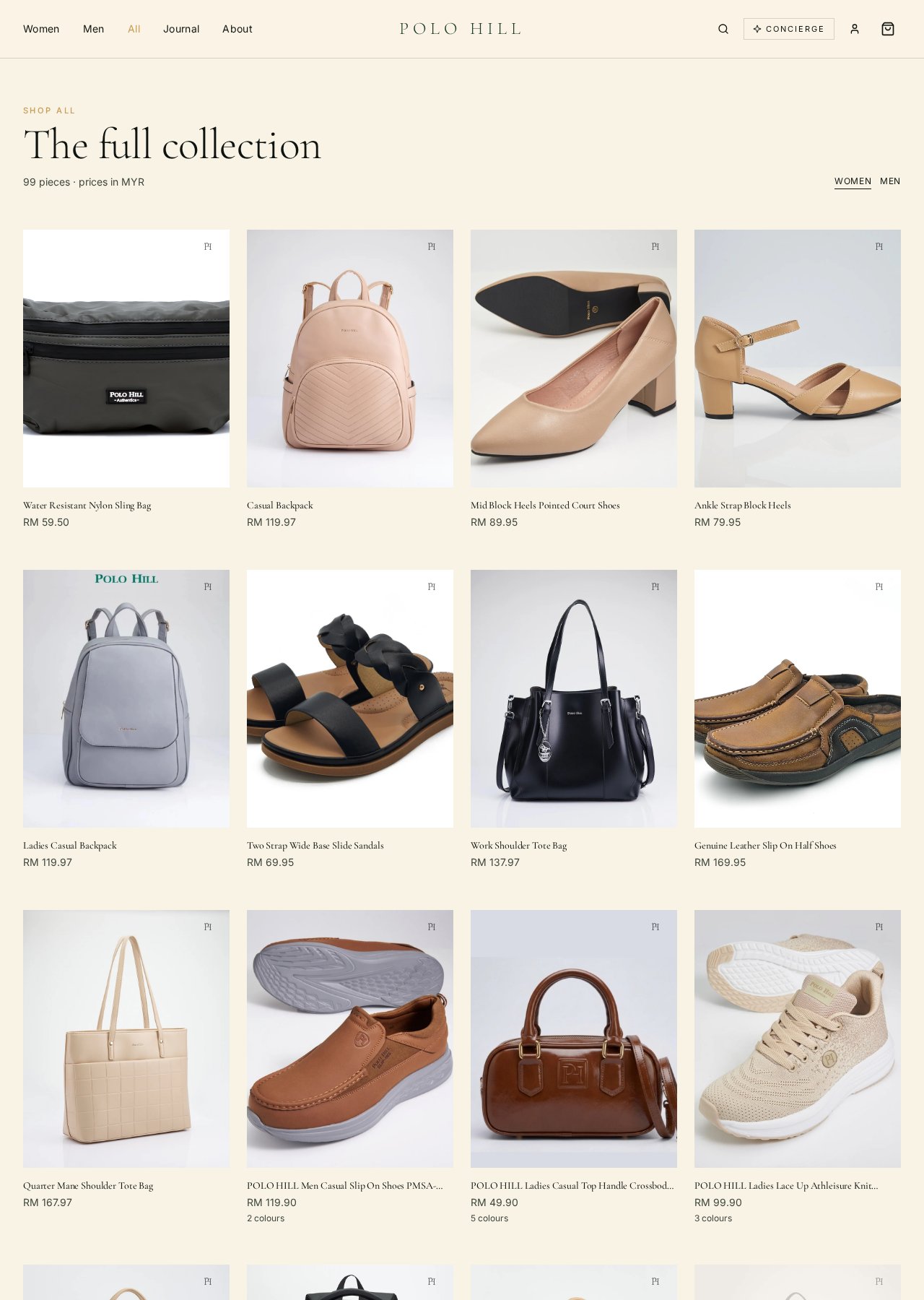
From the top navigation, choose Women, Men, or All to open the full shop. Use the category chips at the top of the grid — Handbags, Backpacks, Wallets, Shoes — to narrow things down.
Every card shows the piece, its Malaysian Ringgit price, and hover preview. Tap any card to open its detail page.
Tip · Save pieces you love with the heart icon to build a wishlist.
02
Step two
Open the product page.
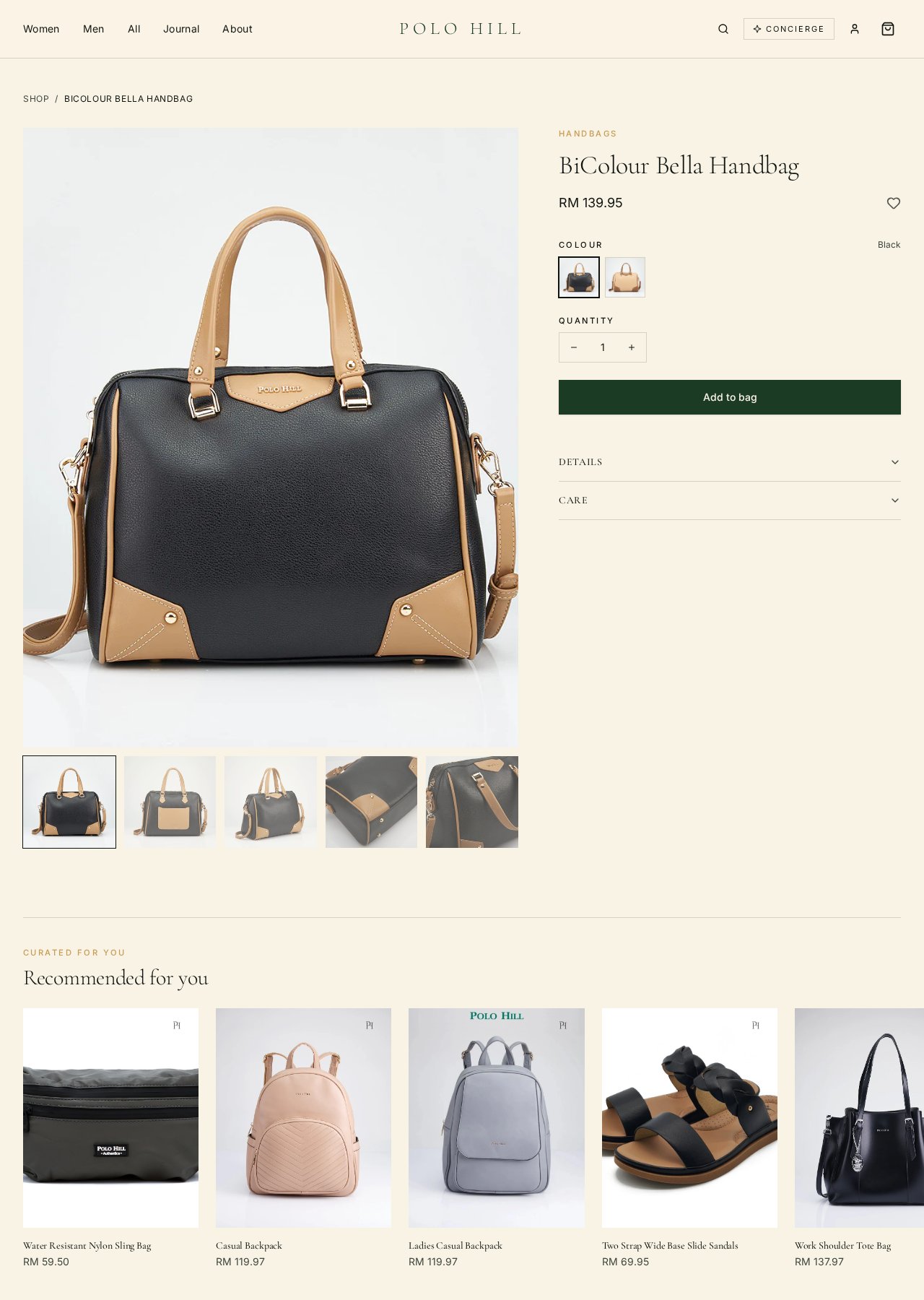
The product page shows every angle of the piece, the price in RM, and any available colour or size options. Tap through the thumbnails to inspect hardware, lining and outsole detail.
Scroll the Details and Care panels for materials, dimensions and how to look after your piece in tropical weather.
03
Step three
Add it to your bag.
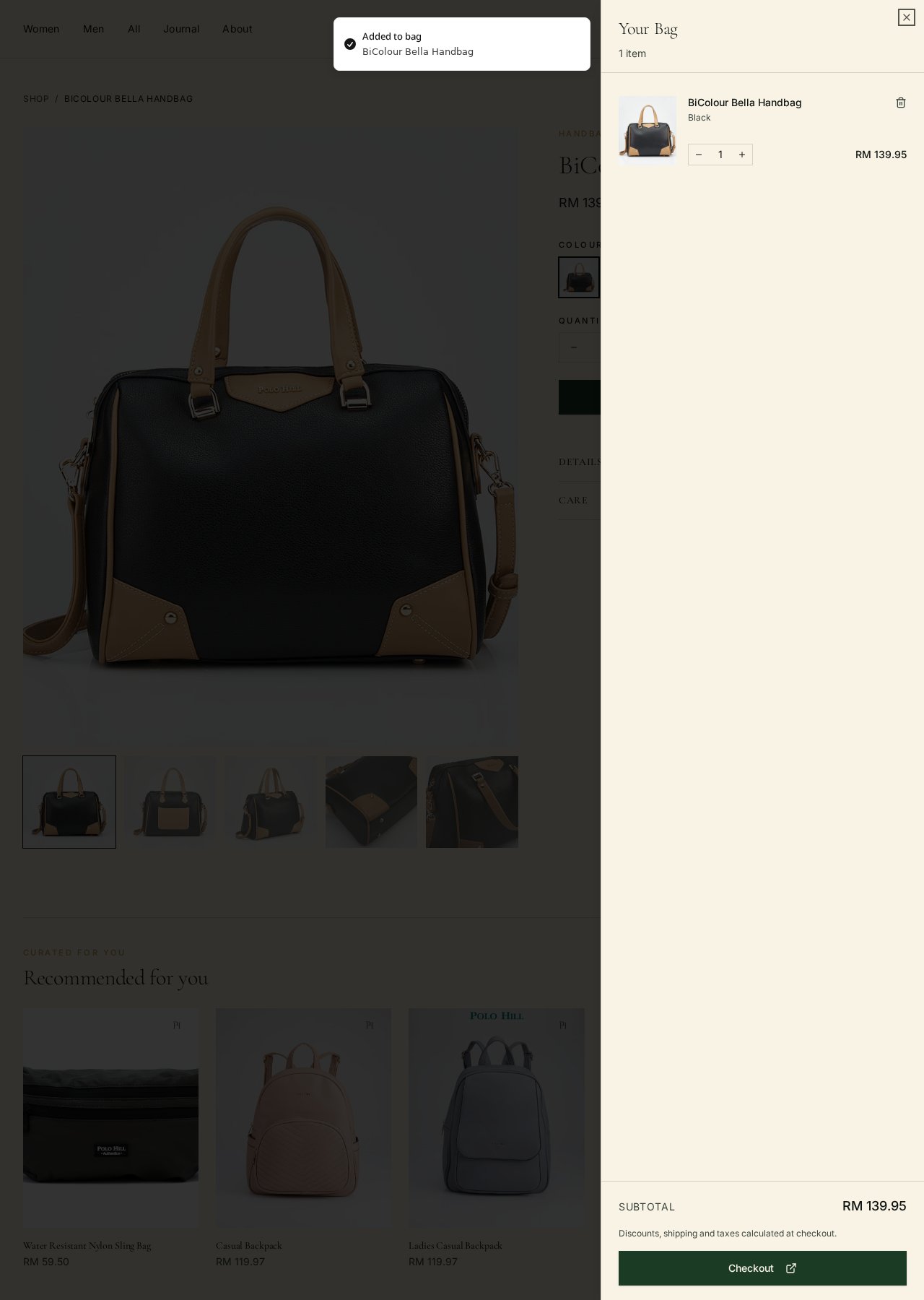
Choose your colour and quantity, then tap the dark green Add to bag button. Your bag opens on the right, showing the item, unit price and running subtotal.
You can adjust quantity with the +/− controls, or remove an item with the trash icon. Keep browsing — the drawer closes when you click outside it, and reopens any time from the cart icon in the header.
04
Step four
Sign in — or continue as guest.
An account isn't required to check out, but signing in saves your addresses and shows every order in one place.
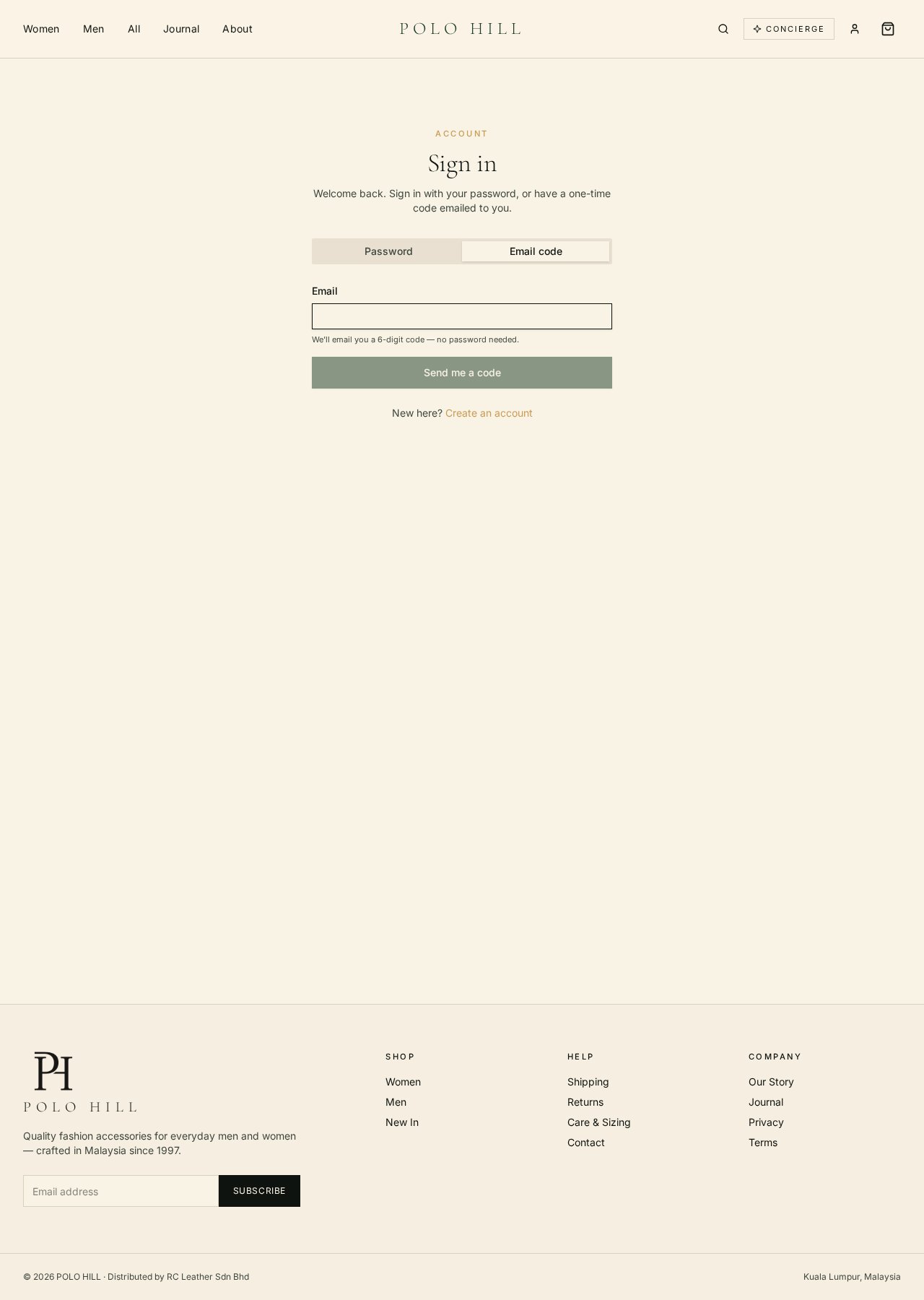
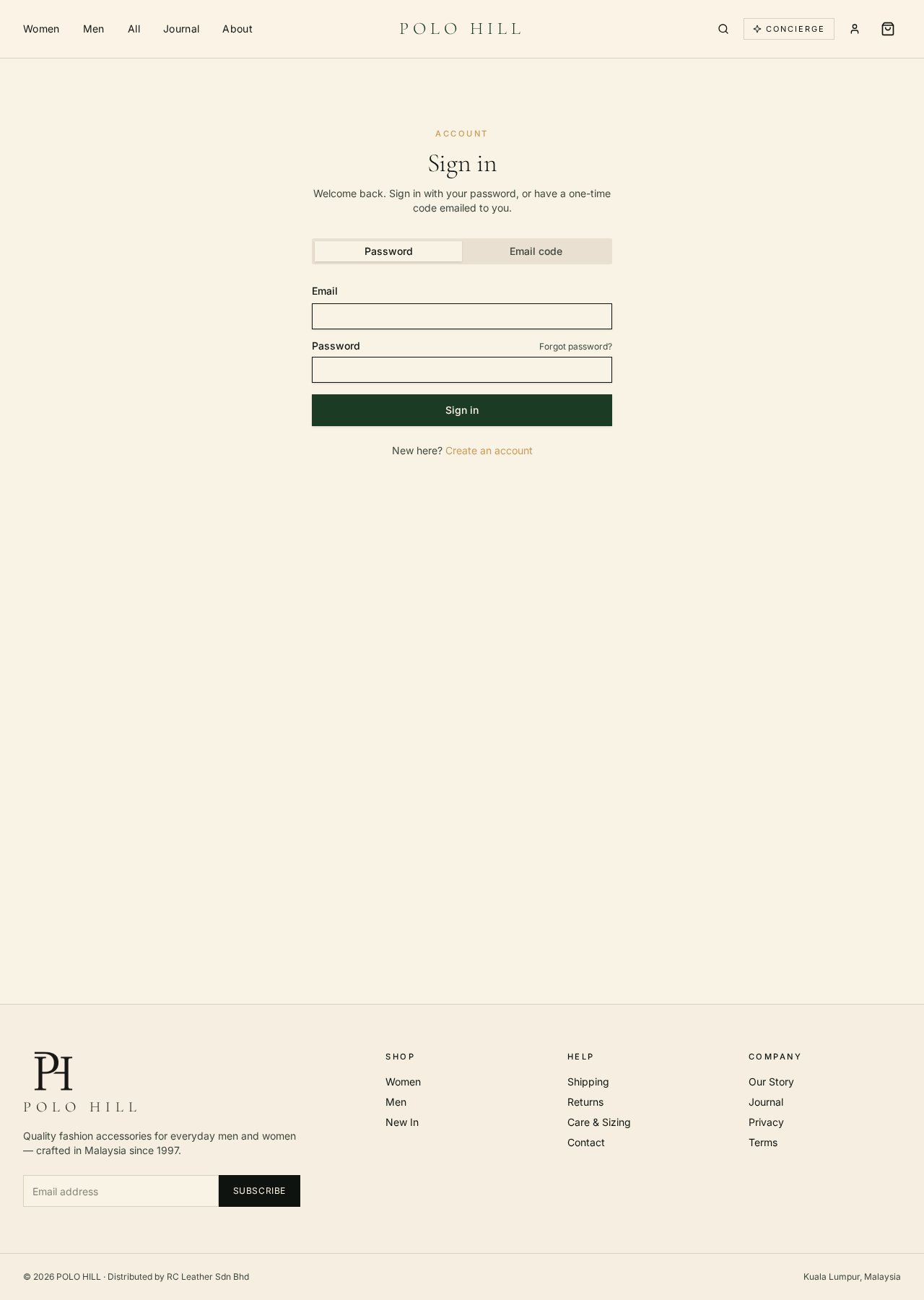
At /login you'll see two tabs:
- Password — enter your email and password. Forgotten it? Use Forgot password? and we'll email a reset link.
- Email code — we email a 6-digit code that signs you in without a password. Great if you're on a shared device.
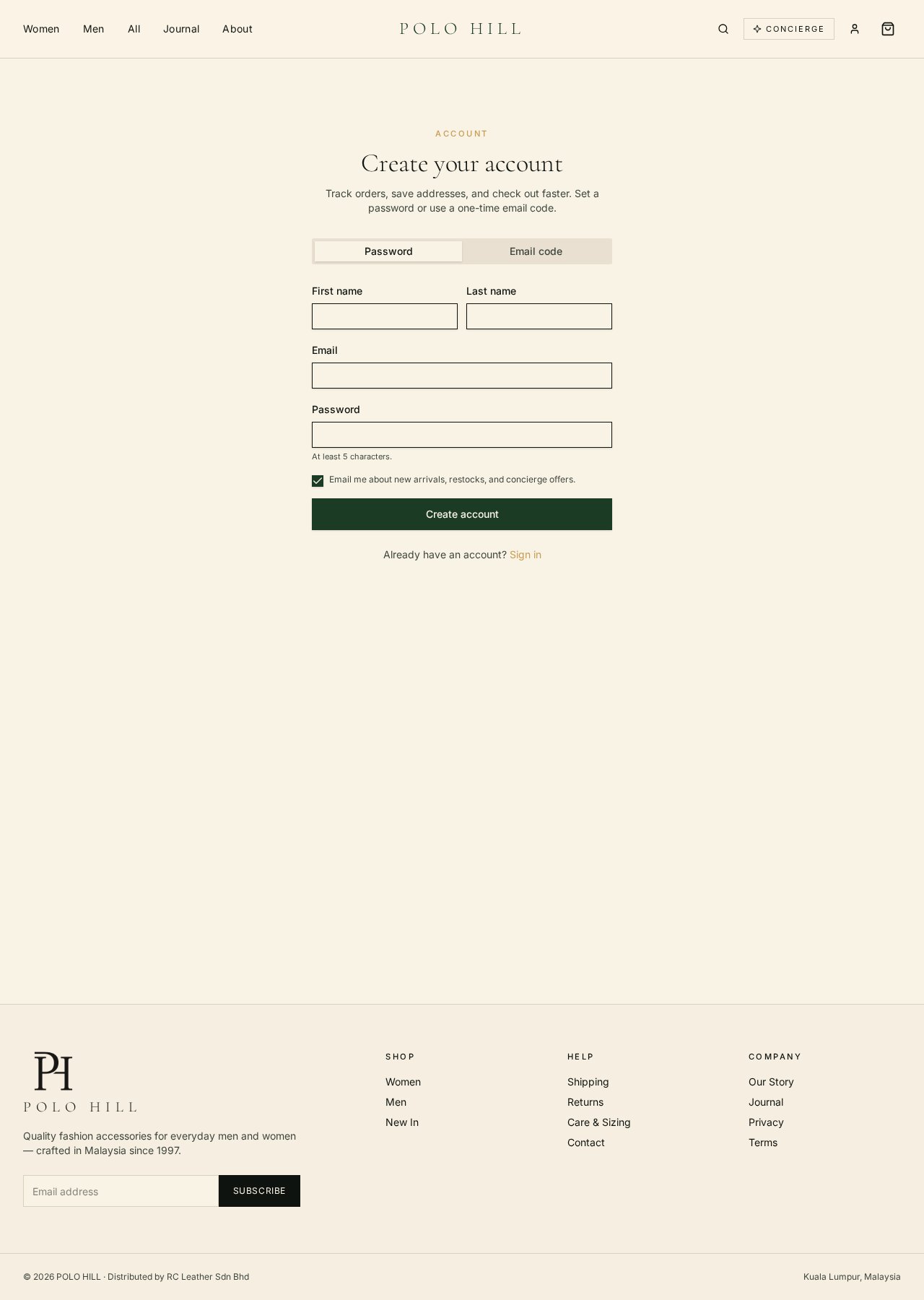
New here? Head to /signup to create an account in under a minute.
05
Step five
Complete checkout.
When you're ready, tap the dark green Checkout button at the bottom of the cart drawer. This opens the secure POLO HILL checkout in a new tab.
You'll enter, in order:
- Your email for the order receipt.
- Your shipping address (Malaysia and international).
- A shipping method — options and rates appear based on your address.
- Payment — cards, FPX online banking, e-wallets and more, all processed securely.
A confirmation page shows your order number, and a full receipt is emailed within moments. You never leave the POLO HILL experience — checkout runs on our secure payment infrastructure.
06
After your order
Tracking, returns & care.
You'll receive a dispatch email with a tracking link the moment your order ships. Signed-in customers can also view every order at /account.
Need to return something? Our Returns policy covers the process and the window. For everyday looking-after, our Care & Sizing guide keeps leather at its best through KL's humidity and monsoon.
Before you check out
Shipping, returns & the fine print.
Ready when you are